With a click on the Follow-up tasks tile, you can see the Follow-up Report. This contains all follow-up tasks tasks with the associated PCN. You can view the PCN details using the list button.
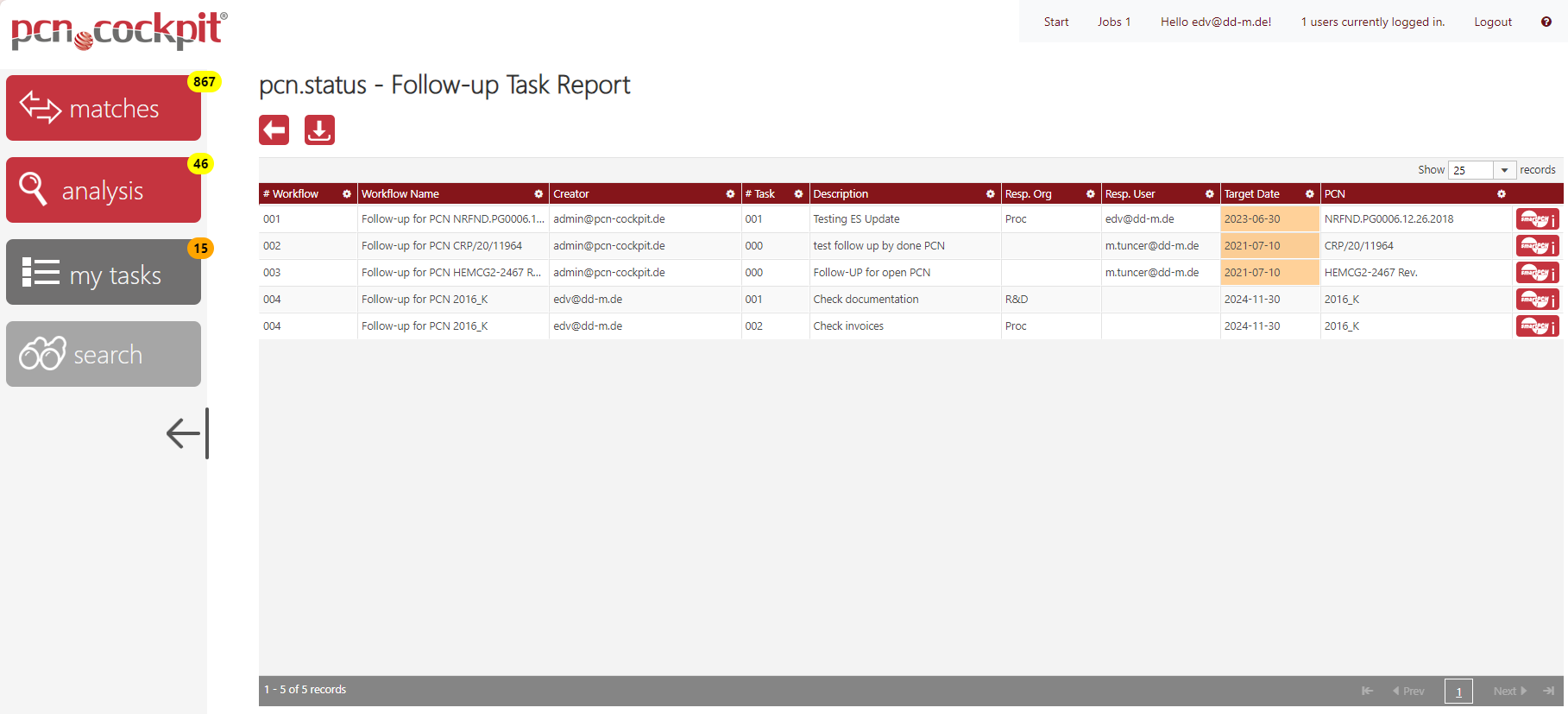
Use the button Details  to go to the PCN Inspector in order to inspect all of the PCN's data and may export it into a zip container.
The color orange in the column Target Date indicates that the task is overdue.
Use the button Download  to export the report.